





JULY 2, 2008|TECHNOLOGY & SOFTWARE
Don't Be A Password Nazi: Rethinking Your Approach To Passwords
How many sites are you currently registered for? Unless you are particularly organized with all your sites, usernames and passwords in one place - chances are there are probably too many to count. Among those dozens or hundreds of sites, there are a select few that you access everyday and the rest fall into your own long tail of sites you have registered for but only log into infrequently. Over the last several weeks, I have found myself resetting passwords, sending reminders and guessing my own passwords for some of those sites that I don't access that often. Along the way, I started to think about some password setting best practices that I wish sites would adopt. What if there was a best practice for setting and requiring passwords that didn't make life harder for users? Here are a few ideas that could be part of it:
- Let users choose an appropriate level of security. I understand that to access your online banking, you need to have a really secure password. The problem is that many sites take a one size fits all approach to passwords. Do we really need the same security to log in to read my subscription of the NY Times? Of course not. More sites need to consider how secure their site really needs to be, and give users more flexibility to choose any kind of password instead of doing things like requiring capital letters, numbers or changes every 3 months.
- Use password hints instead of just resetting. Many times, a user will know their password, they just need a hint in order to get it. For this reason, password hints can be very effective, because they are immediate and let a user get their password without submitting a form, waiting for an email, clicking a link and going through a long process to access your site.
- Share your syntax rules. I have one type of password I use if a site requires me to use a capital letter. I have another if a site tells me I need to do that along with a number. Sometimes, if I knew the syntax rules that a particular site used, that would be enough of a prompt for me to "remember" my password and get into the site. The most frustrating thing as a user is to go through the whole process to reset your password only to realize that you had it correct all the time, you were just forgetting to capitalize a letter.
- Think outside the "password." One thing that I have always loved about Priceline is after entering my email address on the site, it never asks me for my password. Instead, based on the email, the site asks my response to a personal question that I set when I first registered. As a result, I have never forgotten or had to look up my password for the site. It also makes me FAR more likely to visit that site first and return over and over - because they make it easy for me to login.
NOTE - Before I get lots of comments about how I should save my passwords through the browser so they automatically come up when I visit a site ... I do that, however for sites I access infrequently sometimes these are cleared when I clear cookies or if I'm using a different computer.
Related Posts
Book Rohit To Speak
Want to bring these ideas to your next event?
Rohit turns the thinking behind posts like this one into keynotes for audiences around the world, from Fortune 500 leadership teams to global industry conferences.
Learn More About Speaking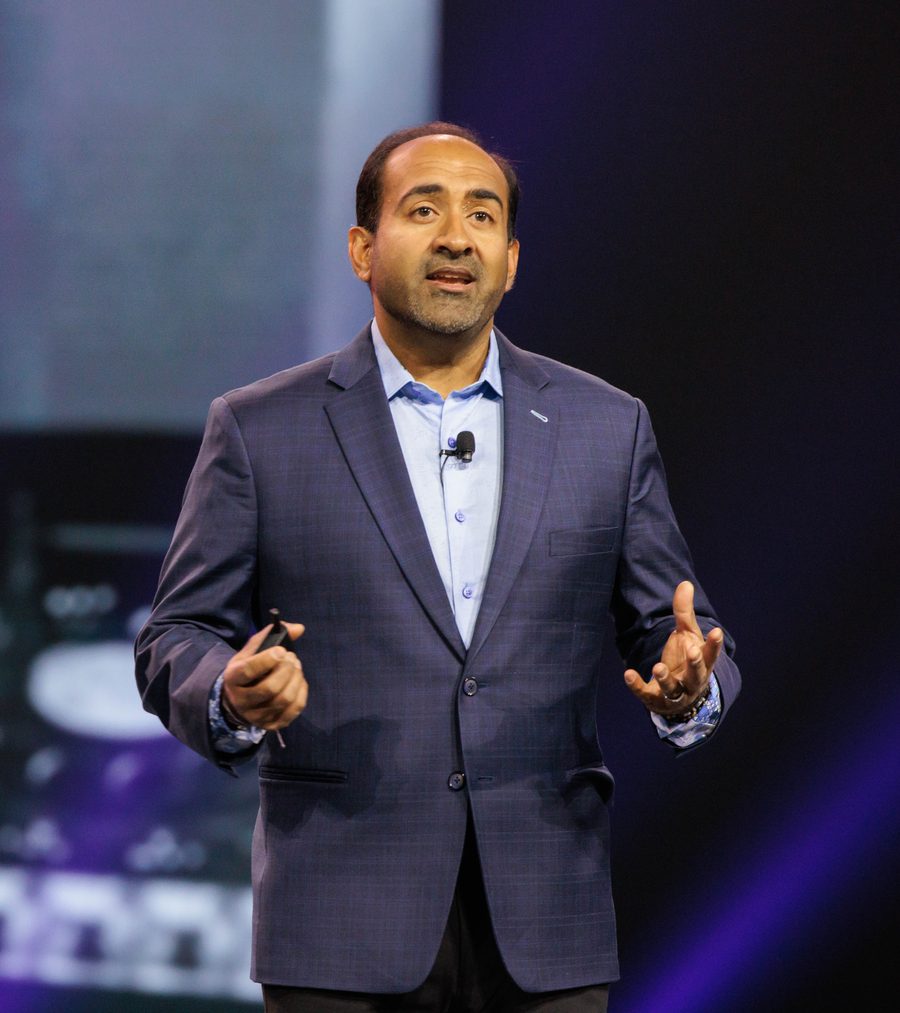
How It All Started
A Short Backstory Of This Blog
This is a blog about non-obvious ideas. Originally launched on the Typepad platform in 2005 as the Influential Marketing blog, the stories at first focused mainly on digital marketing while Rohit worked at Ogilvy Advertising. In 2015 Rohit officially rebranded to the Non-Obvious Insights Blog and published his WSJ bestseller Non-Obvious. For the past twenty one years, this blog has coined new terms, introduced future marketing practices and inspired the next generation of non-obvious thinkers and marketers.