







APRIL 7, 2006|TECHNOLOGY & SOFTWARE
What's In Your Firefox?
I love Firefox. From its signature "tabbed browsing" to its open source heritage - Firefox has experienced huge growth thanks to the legions of brand believers who have spread the word about Firefox. The Firefox brand has become a badge of honor - just as most graphic designers would never willingly choose to use a PC instead of a Mac, few forward thinking Internet users would choose to use IE instead of Firefox. Yet it isn't only a belief in the brand that propels people to use it. As Steve Rubel recently posted about, it can also help efficiency in how you work. I have customized my Firefox with lots of extensions to make it more useful for me. And I'm always on the lookout for more. At the moment, here is a list of what's in my Firefox:
- Google Toolbar - Easily search Google from the Firefox Toolbar.
- del.cio.us Extension - Quick buttons to automatically tag pages and add to your del.icio.us bookmarks
- AI RoboForm Toolbar - Remembers passwords and fills out forms with one click.
- Squidoo Extension - Quick buttons to automatically add pages to your lenses.
- GDirections - Automatically get directions from saved address to selected text.
- Screen Grab! - Takes grab of current screen or image.
- Copy Plain Text - Quick right click to copy text without all the HTML formatting.
- Colorful Tabs - Allows you to have each new tab in Firefox be a different color.
- Furl Tools - Button to save local version of a page into Furl
- CoLT - Right click to save not only link URL, but also link display text.
- IE Tab - Use an imbedded IE engine within a Firefox tab, useful for viewing IE only sites.
- View Source Chart - Makes viewing HTML source code for a page easier by color coding output.
- Amazing Webpage Emailer - Allows you to email a webpage instead of HTML link - to email secure sessions or dynamic pages.
- El Jay Icon Maker - Create 100x100 icons from images on web pages with one click.
- MeasureIt - Use a ruler to get the pixel width and height of any elements on a webpage.
What's in your Firefox?
Related Posts
Book Rohit To Speak
Want to bring these ideas to your next event?
Rohit turns the thinking behind posts like this one into keynotes for audiences around the world, from Fortune 500 leadership teams to global industry conferences.
Learn More About Speaking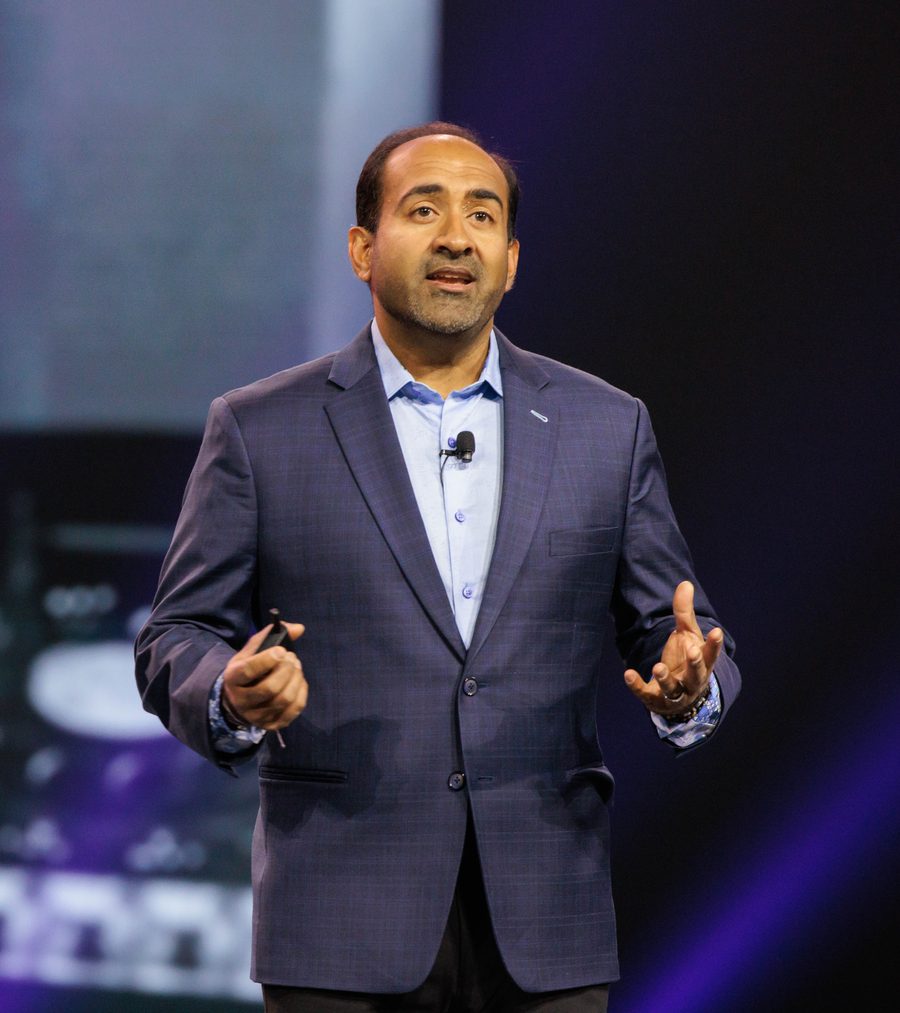
How It All Started
A Short Backstory Of This Blog
This is a blog about non-obvious ideas. Originally launched on the Typepad platform in 2005 as the Influential Marketing blog, the stories at first focused mainly on digital marketing while Rohit worked at Ogilvy Advertising. In 2015 Rohit officially rebranded to the Non-Obvious Insights Blog and published his WSJ bestseller Non-Obvious. For the past twenty one years, this blog has coined new terms, introduced future marketing practices and inspired the next generation of non-obvious thinkers and marketers.